I think you want to know how to set a password on a Chromebook. If so, here’s how to set up a password to keep your Chromebook safe:
1. **Power On and Sign In:**
Start up your Chromebook and use your Google Account to sign in.
2. **Access Settings:**
Click on the clock in the bottom right corner of the screen to open the system menu. Then click on the gear-shaped icon (Settings) to open the Settings menu.
3. **Personalization:**
On the Settings menu’s left tab, click “Personalization.”
4. **Screen Lock:**
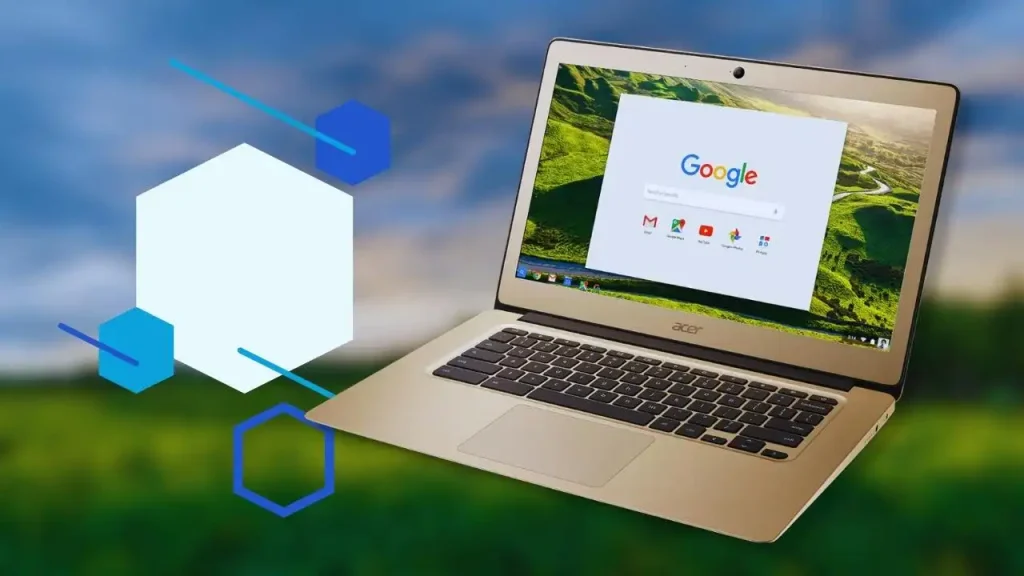
Under “Personalization,” you’ll find “Screen lock.” Just click it.
5. **Set Screen Lock:**
You can choose how to lock your screen here. You can choose between “Password” and “PIN.”
6. **Set Password or PIN:**
If you pick “Password,” you’ll have to enter the password for your Google Account. If you choose “PIN,” you’ll have to set a PIN code.
7. **Confirmation:**
You might be asked to enter the password or PIN again after setting it the first time.
8. **Lock Screen Timeout:**
You can also set how fast the screen locks after your Chromebook goes to sleep. Change the setting for “Lock screen when” to suit your needs.
9. **Done:**
After you set up your password or PIN, your Chromebook is now safe. When you wake it up from sleep or log in, it will ask for the password or PIN.
Remember to choose a strong password or PIN that is not easy to guess and offers good protection. Also, keep your Google Account password safe because it’s needed to get into your Chromebook and the Google services that go with it.
Do Chromebooks have passwords?
Ans:
If you’re signed in to your Google Account on your computer, you can save the password to your Google Account or save it directly on your device. You can add notes to a saved password to help you remember information about an account or to save login information.
How do I lock my Chromebook fast?
Ans:
Click on Search + L. Press Launcher + L instead. Close your Google Account: Press Shift, Control, and q twice. See all buttons for the keyboard: Press the forward slash (Ctrl + Alt + /).
What is Chromebook Smart Lock?
Ans:
Google Smart Lock is a way for Android smartphones and Chromebooks to get into them. In Android, the system lets you keep your phone unlocked in situations that have been cleared and are known to be safe. It lets your Android phone keep your computer open in ChromeOS.
Chromebooks depend on cloud-based services and web-based apps, so security is very important. User information and privacy are kept safe by strong security measures like password protection, data encryption, and automatic updates. With cyber threats getting worse, a secure Chromebook makes sure that online activities are safe, keeps out people who shouldn’t be there, and protects against malware. In a digital world that is getting more and more connected, trustworthy security keeps users’ trust, makes it easier for them to get work done, and protects private data.